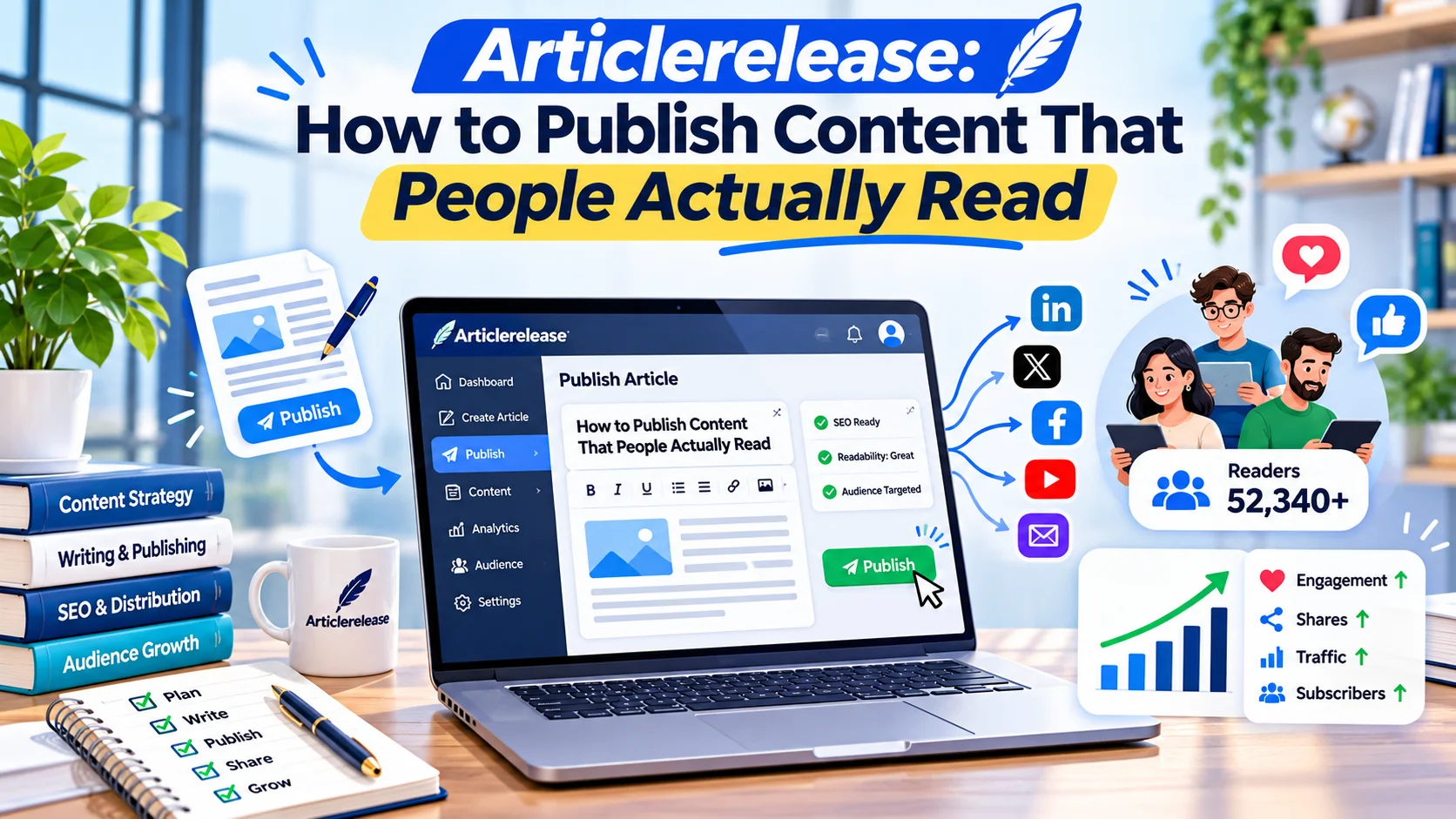
You spent hours writing a great article. Now what? Many writers stop at the last sentence, hit publish, and hope for the best. Then they wonder why nobody reads it. A smart Articlerelease plan fixes that problem. It helps you share your work at the right time, in the right place, with the right people. This guide walks you through each step in plain words. Let’s dive in.
What Is Articlerelease and Why Does It Matter?
The Simple Meaning
Articlerelease means the full process of getting your writing out into the world. It covers writing, editing, publishing, and sharing. Think of it as launch day for your words.
Some people believe it only means clicking the publish button. That is just one small step. The real work starts before that click and continues long after it.
Who Needs a Plan?
Bloggers, students, small business owners, and marketers all gain from a clear plan. A local bakery can share baking tips. A freelance writer can show off new work. Even a school club can post news about a big event.
Each group wants the same thing. They want readers to find the piece and care about it.
Why a Strong Plan Pays Off
Readers Learn to Trust You
When you publish on a steady schedule, readers know what to expect. They come back for more. Over time, they see you as a reliable voice.
Trust grows slowly, but it grows faster when you show up on time with useful content. Think about your favorite blog. You probably return because it never lets you down.
Search Engines Notice You
Search engines like fresh and helpful pages. A well planned Articlerelease gives your page a strong start. You use clear titles, good links, and simple formatting. These small steps help your page show up in search results.
Here is a quick fact. Most website visits begin with a search. So a page that search engines understand has a big edge over one that they cannot read well.
Get Ready First: What to Do Before You Publish
Choose a Topic Readers Care About
Start with a question your audience asks often. Type a few ideas into a search bar and read the suggestions. Those suggestions show what real people want to know.
For example, a gardening blog could write about growing tomatoes in small pots. That topic is clear and useful. It also has a clear reader in mind, such as someone with a tiny balcony.
Write a Headline That Earns the Click
Your headline makes the first impression. Keep it short and honest. Add a number or a clear promise when you can.
Compare “Gardening Thoughts” with “7 Easy Ways to Grow Tomatoes in Small Pots.” The second one tells readers exactly what they get. Which one would you click?
Edit, Fact-Check, and Format
Read your draft out loud. You will catch clumsy lines fast. Then check every number, name, and date.
Next, make the page easy to scan. Use short paragraphs, clear headings, and a few bullet points. Most people skim before they read, so help them find what they need.
Add Helpful Extras
A good image can make a page feel friendlier. Add a short caption and write a simple description for it. That description helps people who use screen readers, and it helps search engines too.
Add two or three links to your older posts. Link to one trusted outside source as well. This shows readers that you did your homework.
Smart Places to Share Your Work
Your Own Website or Blog
Your site is your home base. You control the design, the message, and the data. Post there first, then share the link everywhere else.
Write a clear title tag and a short meta description. These two small pieces tell search engines what the page is about. They also appear in search results, so they work like a tiny ad for your post.
Social Media
Pick one or two platforms where your readers hang out. Don’t try to be everywhere at once. You will burn out fast.
Share a short teaser, a strong image, and the link. Then try the same idea in different ways. Post a quote one day, ask a question the next, and share a quick tip after that.
Email Newsletters
Email still works very well. Subscribers chose to hear from you, so they often read more closely. Send a short, friendly note with a link to your new piece.
Keep the subject line simple. Something like “New post: Easy tomato tips for small spaces” does the job. You do not need fancy tricks.
Guest Posts and Online Communities
Share your work on trusted sites that welcome outside writers. Join forums and groups that match your topic too. Add value first, and never drop a link without context.
Say you wrote about budget travel. You could answer a traveler’s question in a group, then mention your article as extra reading. That feels helpful, not pushy.
Timing Your Articlerelease for the Best Results
When you publish matters. Many blogs see good traffic on weekday mornings. But your audience may behave differently, so test a few time slots.
Check your analytics to see when your readers visit most. Then schedule posts for those hours. Most publishing tools let you set this up in a few clicks.
Think about the season too. A post about holiday gift ideas works best in early November, not on December 24. Plan a few weeks ahead. A calm Articlerelease schedule beats a last-minute rush every time.
Mistakes That Hurt Your Reach
Skipping the Promotion Step
Many writers publish and walk away. That is like opening a shop and leaving the lights off. Plan to spend real time sharing your work, not just writing it.A simple rule helps here. For every hour you write, spend at least thirty minutes promoting. Adjust that split as you learn what works.
Writing for Search Engines Only
Stuffing a page with keywords makes it hard to read. Readers leave fast, and search engines notice that. Write for people first, then polish for search.Read your text again after you finish. If a sentence sounds odd out loud, fix it. Natural writing wins.
Ignoring Mobile Readers
Most people read on their phones. Open your page on a small screen before you publish. Check that the text looks large enough and the images load quickly.
Long, heavy paragraphs look worse on a phone. Keep them short and add white space. Your readers’ thumbs will thank you.
Forgetting a Call to Action
Tell readers what to do next. Ask them to subscribe, leave a comment, or read a related post. A gentle nudge goes a long way.
Keep it friendly. “Want more tips like this? Join our free newsletter” works better than a pushy demand.
How to Know If It Worked
Numbers tell the story. Track page views, time on page, and shares. Watch how many new people join your email list too.
Don’t panic over one slow post. Look at trends across a full month instead. If a topic does well, write more like it. If a post flops, ask why. Maybe the headline missed the mark, or maybe the timing was off.
Each Articlerelease teaches you something new. Keep a simple notebook or spreadsheet. Write down what you did and what happened. Over time, you will spot patterns and make smarter choices.
Frequently Asked Questions
What is the main goal of an Articlerelease?
The main goal is to get your article in front of the right readers. It covers publishing and sharing, so your work does not sit unseen.
How often should I publish new articles?
Choose a pace you can keep. One quality post a week beats five rushed posts that wear you out.
Do I need paid tools to share my articles?
No, you can start with free tools. A basic blog, a free email service, and a few social accounts are enough for most beginners.
How long should an article be?
Length depends on the topic. Many helpful blog posts run between 1,000 and 2,000 words, but clear writing matters more than a number.
Can I update an article after I publish it?
Yes, and you should. Fix errors, add new facts, and refresh old links every few months to keep the page useful.
Final Thoughts
A strong Articlerelease takes more than a publish button. You pick a useful topic, write a clear headline, and edit with care. Then you share the piece in the right places at the right time. Avoid the common traps. Don’t skip promotion, don’t stuff keywords, and don’t forget mobile readers. Track your results and learn from each post.
Start small. Pick one article, follow these steps, and see what happens. You will feel more confident each time you publish.